Embroidery has long been an artistic craft, and nowadays, with technological advancement, it is more than ever before. It is so easy to make your own drawings as an embroidery pattern. Whether you are the amateur who adores to draw by hand or a company owner who needs to computerize the logos and patterns, the process of transforming a drawing into an embroidery design can provide you with exciting opportunities.
Here, you will understand the step-by-step process, necessary equipment, and professional knowledge to convert your drawn art into embroidery files that can be used in popular machines such as Brother, Janome, or Husqvarna.
Why Turn a Drawing into an Embroidery Design?
The translation of a hand-drawn image into an embroidery work is now a popular trend amongst individuals as well as professional embroiderers. It brings an end to the old-fashioned art and modern stitching technology and enables you to keep your creativity in a durable and flexible form. It is because many people prefer to digitize their drawings:
Personalization
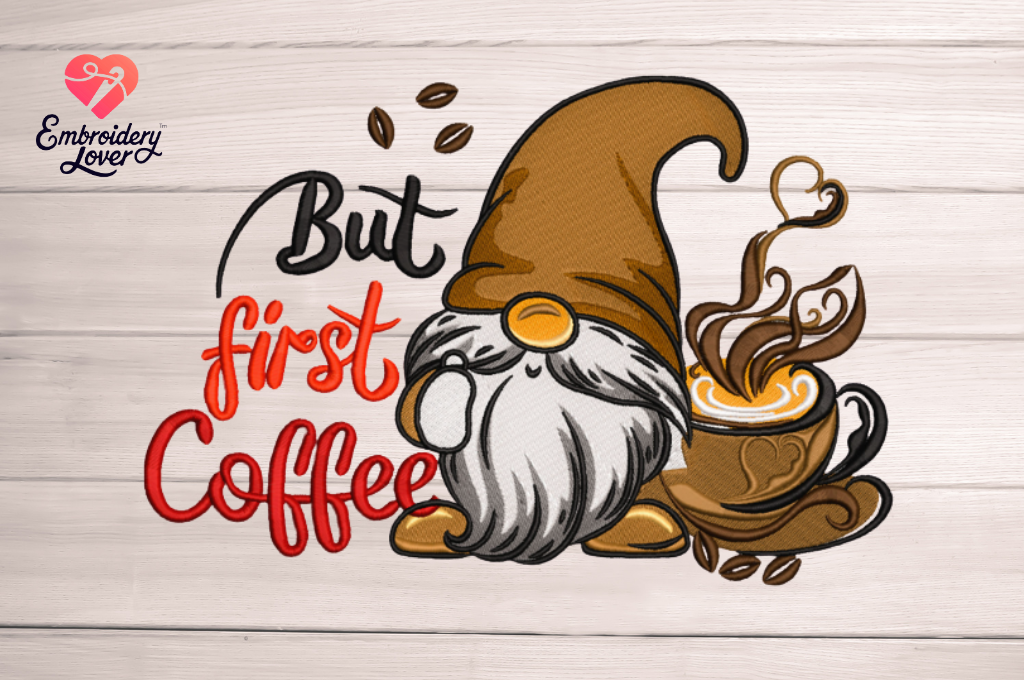
It has something unique in putting your own hand-drawn work on or giving a gift with your own design. Once you have digitized your sketches, you are able to stitch them on your T-shirts, tote bags, pillow covers, or even wall art. This results in a unique product that embodies your own personal style, which is more valuable than the mass-produced designs.
Business Branding
Embroidery is also used to develop professional and durable branding for businesses. An easy sketch of a logo can be scanned and printed on uniforms, workwear wear or other accessories. Embroidered logos provide a professional and long-lasting finish to the printed design, thus enhancing brand presence as compared to a printed design that may fade with time.
Unique Creations
They are always appreciative of handmade presents, which is why, when a personal drawing is made, they become memorable in the true sense. Visualize the drawing of a child on a blanket or the scribble of an individual who is dear to us, becoming a bag of keepsake. These kinds of personalized productions are sentimental and excellent as a present during a birthday, wedding, anniversary, or holiday.
Scalability
When a drawing is digitized, it not only gets embroidery-ready but also reusable. When the design has been saved to embroidery machine format, you can sew it on various materials, sizes, and products many times. This is particularly useful to small businesses that desire to make a number of products without necessarily going back to the drawing board each time.
Creative Freedom
Ready-made embroidery patterns are confining, whereas as long as your own piece is digitized, you have all the creative freedom. You are not a slave to the template of another person, but you are in charge of shapes, details, and style. This implies that each of the projects is a reflection of what you really think.
Long-Term Value
Embroidery is not lost and can also withstand fading as well as tearing, unlike paper sketches. Computer-aided design may be digitally stored indefinitely and cut on command. This will make sure that your work of art has a physical presence in the coming years.
Prepare Your Drawing
The process begins with your artwork. Start by sketching on clean white paper or digitally drawing on a tablet.
- Use clear outlines so that shapes are easy to trace.
- Avoid unnecessary shading; embroidery works best with defined shapes.
- Keep details simple, since overly complex sketches can be difficult to stitch out.
Tip: If your drawing is on paper, scan it or take a high-resolution photo to transfer it to your computer.
Choose the Right Digitizing Software
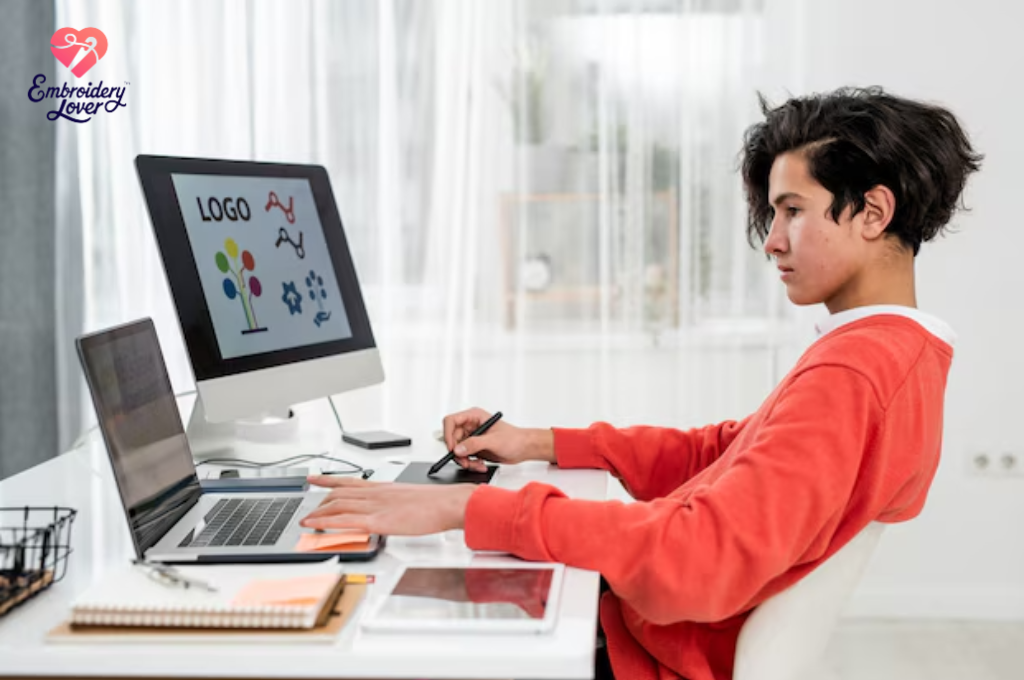
Embroidery machines cannot read regular images. They require digitized embroidery files such as PES, DST, JEF, VP3, or HUS. To convert your drawing, you’ll need embroidery digitizing software.
Popular software options include:
- Wilcom – Professional-grade software with advanced features.
- Embird – Great for beginners and intermediate users.
- Brother PE-Design – Perfect for Brother machine owners.
- Hatch Embroidery – User-friendly with powerful editing tools.
- SewArt – Budget-friendly for converting images to stitches.
Each program allows you to import your image and manually or automatically trace it into stitches.
Import and Clean the Image
After choosing your software:
- Import your scanned or digital drawing.
- Adjust brightness and contrast to make the outlines clearer.
- Remove any background clutter or pencil smudges.
This step ensures the software has clean lines to work with when creating stitch paths.
Digitize the Design
Digitizing is the process of mapping out stitches for the embroidery machine. Here’s what you need to do:
- Set Stitch Types – Choose between fill stitches, satin stitches, or running stitches depending on the area.
- Assign Colors – Match thread colors to your drawing.
- Adjust Stitch Density – Higher density creates solid fills, while lower density works for lightweight fabrics.
- Define Start and Stop Points – Prevent unnecessary thread jumps.
- Preview in 3D – Most software lets you view a virtual embroidery preview before saving.
Pro Tip: Take your time in this step. Proper digitizing is what separates professional-quality embroidery from uneven or distorted results.
Save in the Correct File Format
Once digitized, save the design in your machine’s compatible format:
- Brother/Babylock – PES
- Janome – JEF
- Husqvarna/Pfaff – VP3 or HUS
- Tajima/Industrial – DST
- Bernina – ART
Always double-check your machine’s manual to confirm the supported file type.
Test the Embroidery Design
Before using your final fabric, always test stitch your design on scrap material.
- Check for thread breaks, misaligned stitches, or gaps.
- Adjust stitch density or path if needed.
- Confirm that the size fits your hoop and fabric type.
This step saves time, fabric, and thread while ensuring professional results.
Transfer and Start Stitching
After testing:
- Transfer the embroidery file to your machine using a USB stick, direct cable, or memory card.
- Hoop your chosen fabric with stabilizer.
- Select the design and let your machine stitch it out.
Congratulations—you’ve successfully turned your drawing into an embroidery design!
Tips for Best Results
A conversion of a drawing to an embroidery design may be an exciting task; however, minor errors may have an impact on the post stitch-out. The following are specific guidelines that will enable you to attain professional standards at all times:
Keep It Simple- Do not make sketches too complicated.
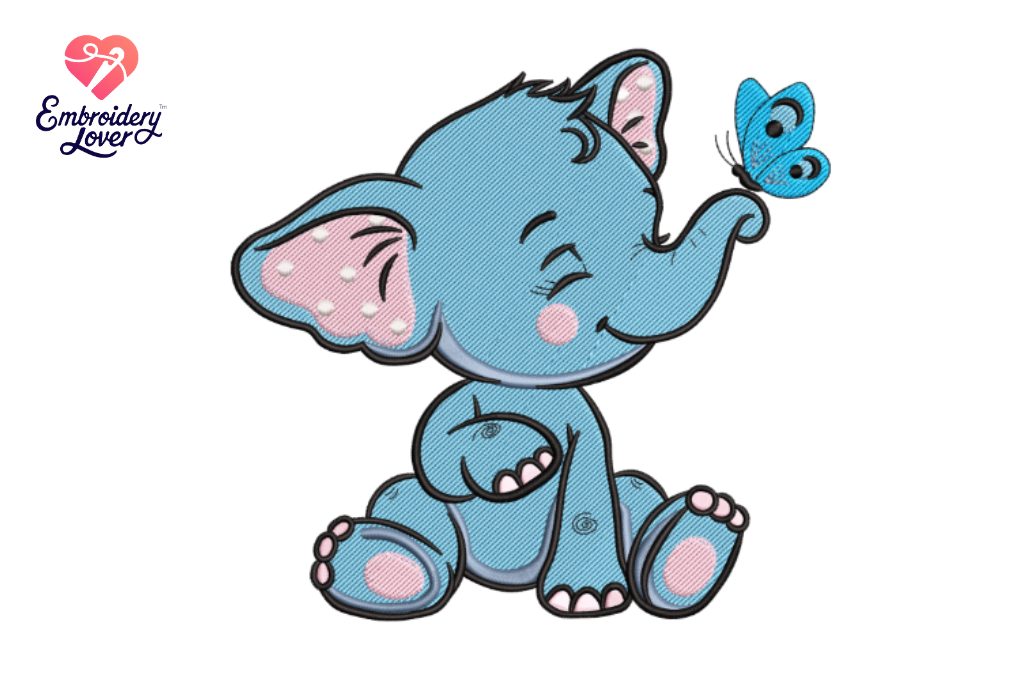
Embroidery machines are machines that decode stitches in an organized manner. When your drawing contains too many fine details, fine lines, or shading, there might be some areas that are not easy to stitch. Keep it simple on your drawing by emphasizing on heavy lines and distinct forms. This will give the embroidery a clean-cut appearance to the stitching.
Use Bold Colors -Make your design stand out.
Consider the look of your thread colors on the fabric that you have chosen when digitizing. The design is more pronounced through the use of high-contrast combinations such as dark lines on light fabric or bright threads on dark material. Delicate tones could appear attractive on the paper and merge with the cloth upon sewing.
Apply Quality Threading- Focus on durability and finish.
The outcome is directly dependent on the quality of the thread. Inexpensive or inferior thread tends to fray, tear, or give uneven stitches. Use branded embroidery threads like Madeira, Isacord and Sulky as they are cheaper to sew with and give more durable results. The design also looks brighter due to the glossy look of the thread of high quality.
Test Size: Test scale to improve results.
A drawing does not always look good at any size. A small drawing can become blurred when the scale is extended, whereas a complex design can become messy when the scale is reduced. Digitize with varying sizes to discover what a balanced appearance of your design and type of fabric should be.
Invest the Time in Learning Software, Get Power over your designs.
The embroidery digitizing software is not as easy as it may appear, and learning to manipulate the type of stitches, their density, and paths will greatly enhance your outcome. You can be taught by tutorials, online courses, and practice projects, and learn how to master these tools in order to have greater creative freedom.
Choose the appropriate Fabric and Stabilizer- Prop your sewing.
The kind of fabric and stabilizer you use is of great significance. In stretch fabric such as t-shirts, a cut-away stabilizer is also used to avoid puckering. A tear-away stabilizer can be sufficient in the case of heavier material such as denim. It is always good to use your stabilizer in the same color as your cloth.
Business Potential in Turning Drawings into Embroidery
The best thing about this skill is that one can start it as a hobby but later on turn it out to be a lucrative embroidery enterprise. When you learn to transform a drawing into an embroidery design, you can be able to open up various streams of income. These are the key monetization methods of this skill that people are using:
Custom Logo Embroidery- Making businesses sound professional.
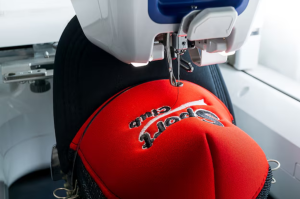
The local businesses, schools, and organizations are ever seeking alternatives to boost their branding. You can provide them with logos digitizing and embroidery services to enable them to put their logos on uniforms, hats or even workwear, and even on promotional items. Embroidered logos are more refined than printed designs besides being more durable and because of this, your service is of great benefit. Through proper marketing, you will be in a position to develop a steady client base of companies that reorder on a regular basis.
Custom Made Gifts – The recollection into a souvenir.
One of the largest trends in the gift industry is personalization. Consider taking a drawing made by a child and making it into embroidery on a blanket or a set of initials by a couple, and embroidering a towel set for a wedding. Such gifts are very emotional and are, therefore, used on birthdays, anniversaries, weddings, and holidays. Custom embroidery is an opportunity to create a difference in the sea of gift market.
Online Marketplaces are selling digitized designs around the globe.
You do not even have to create the physical embroidered items in case you want to operate in a digital environment. All that you need to do is to sell online your digital files of embroidery on online markets such as Etsy, Creative Fabrica, or directly on your own site. This will enable you to earn a passive income – a file uploaded can be bought several times by people all over the world who like embroidering. In the long run, a collection of computerized drawings can bring a stable income.
Commercial Embroidery – Upgrading to mass production.
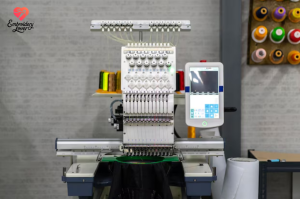
Commercial embroidery services represent huge potential for those who would want to scale. Schools require team uniforms, sports clubs need to have logos on uniforms, and corporations need branded merchandise. Through investing in multi-head embroidery machines, you are able to process a large order and take premium prices. This model of doing business is particularly effective when you have digitizing skills, as you can design the custom designs yourself, and thus you save costs that are incurred in outsourcing.
Freelance Digitizing Services- Contract with clients all over the world.
Using websites such as Fiverr, Upwork, and Freelancer, you can find customers across the globe who are interested in translating their artwork or logos into embroidery files. Remote digitizing services that enable you to work at home from the comfort of your home can be a blessing to you, as you are able to service the international clients. Most of the freelancers in the specialty of digitizing charge between 10-50 dollars per design depending on their difficulty.
Final Thoughts
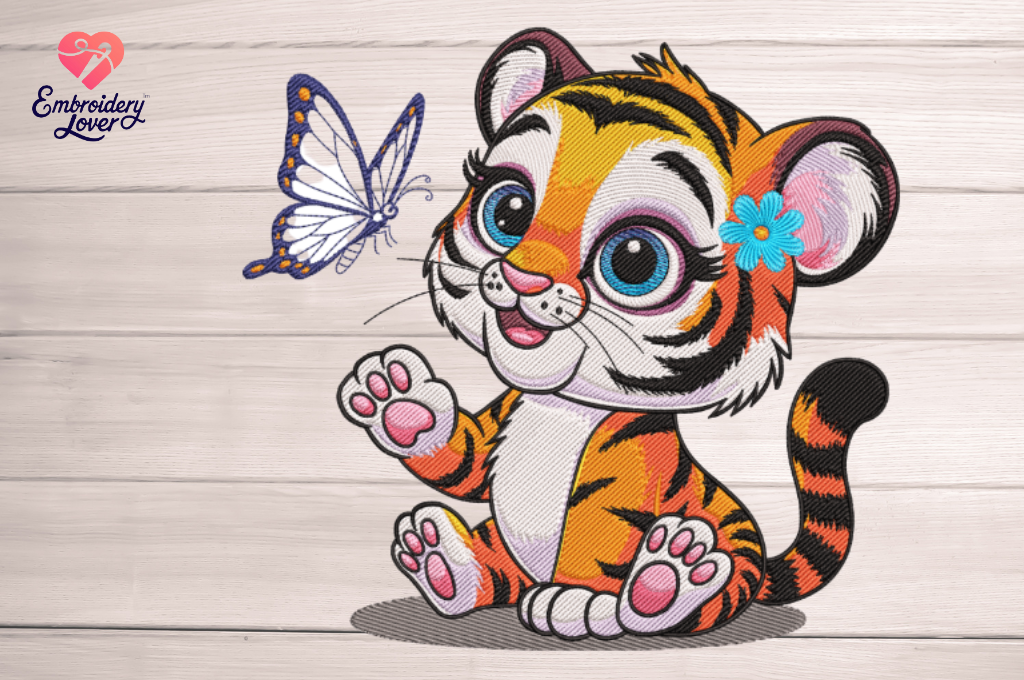
The ability to make a drawing into an embroidery design is a very fulfilling task, which involves a combination of technology and creativity. Through the correct procedures of preparing, scanning your artwork using software, it is important to save it in the right format, and then test to make any hand-drawn sketch a beautiful embroidered masterpiece.
Doing it as a personal project or planning to start a business, having this skill is the only way to translate your own artistic vision onto a piece of cloth.