Design files are considered to be the backbone of any project of machine embroidery. Even the most beautiful artwork cannot able to be stitched without the right file format. PES and DST are two popular formats among the multitude of formats. You may be an amateur who uses your home embroidery machine or a professional who manages an industrial shop, but you need to know these formats.
In this case, we would like to speak about PES and DST formats and the reason why it is better to know more about these, and how the quality, efficiency, and scalability of your embroidery activity could be affected by the choice of the right one.
What Are Embroidery File Formats?
Embroidery file formats are expert computerized files containing guidelines for embroidery machines. There is a big difference between standard image formats like JPEG or PNG and embroidery files: they have more than a mere picture; the format includes detailed instructions on how to sew a design, in the form of precise stitch commands.
What Embroidery File Formats Include
- Stitch Types – Satin stitches for borders, fill stitches for solid areas, and running stitches for outlines.
- Stitch Order and Direction – Controls the flow and sequence of stitches for smooth results.
- Thread Color Changes – Indicates when to stop and switch threads for multi-color designs.
- Hoop Placement and Size – Ensures the design fits correctly within the embroidery hoop.
Why File Formats Matter
The machine will not make sense without the right embroidery file. It will not know where to start stitches, how thick to be, or when to switch colors, even when you just post an ordinary picture.
Different Formats for Different Machines
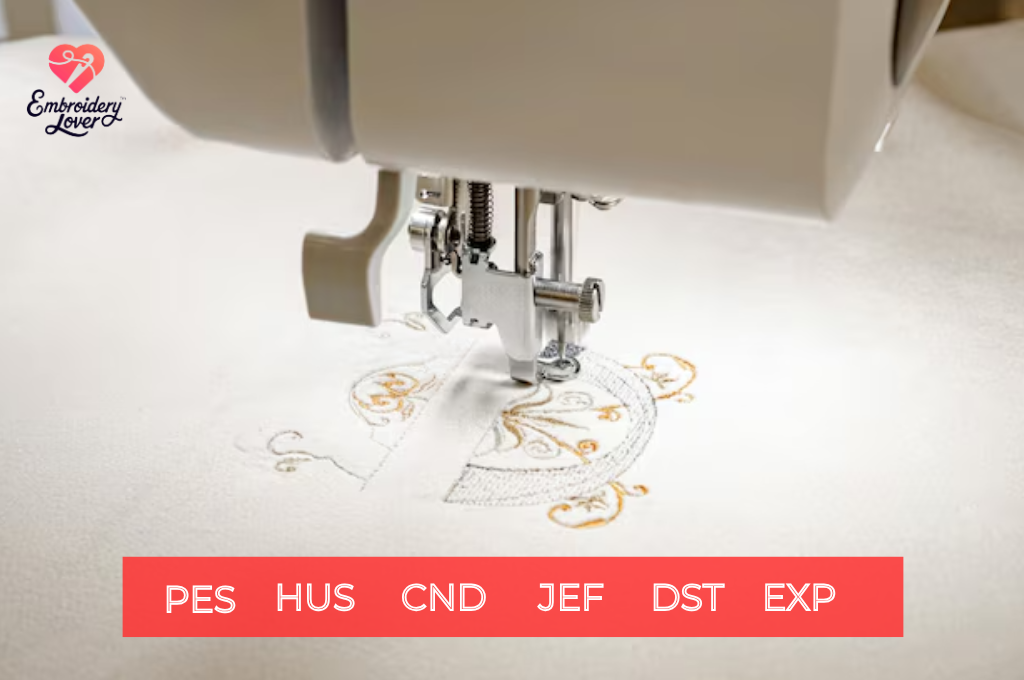
Each embroidery machine brand has its own “native” file format. For example:
- PES – Brother, Baby Lock
- JEF – Janome
- DST – Tajima, industrial machines
- VP3/HUS – Husqvarna, Pfaff
- EXP – Bernina
Any wrong format may cause inaccuracies, unreadable files, or poor stitches. This contributes to file compatibility being one of the most important factors of machine embroidery.
Understanding PES and DST Formats
PES and DST are some of the most significant types of embroidery files. PES is primarily found in machines manufactured by Brother and Baby Lock, and it is used to store complex stitch and color information that will be used on home projects. Tajima invented DST, the commercial standard of embroidery, which is speed-optimized, precise, and large-scale.
What Is PES Format?
The PES format is most commonly associated with Brother and Baby Lock embroidery machines. It’s a user-friendly format designed for home and small-business use.
Key Features of PES Files:
- Stores thread color data along with stitch instructions.
- Compatible with a wide range of home embroidery machines.
- Easy to use with digitizing software like Brother PE-Design or Hatch.
- Ideal for personalized projects, baby clothes, monograms, and small commercial runs.
What Is DST Format?
The DST format is an industry-standard format developed by Tajima, widely used in industrial and commercial embroidery machines.
Key Features of DST Files:
- Focuses on stitch commands only—minimal color information.
- Universally accepted by most commercial multi-head machines.
- Optimized for speed, precision, and large-scale production.
- Preferred in professional embroidery shops where consistency and efficiency matter.
Why PES and DST Formats Matter in Machine Embroidery
Compatibility Across Machines
Using the wrong file format means your machine won’t recognize the design. PES files are critical for Brother users, while DST ensures seamless use on Tajima and other commercial machines. Choosing the right format guarantees your design loads correctly and stitches as intended.
Preserving Design Quality
- PES files maintain detailed thread colors, making them perfect for multi-color designs like logos or children’s clothing.
- DST files prioritize stitch precision, ensuring that designs remain consistent even when scaled across multiple machines.
Efficiency in Production
- PES is user-friendly and beginner-oriented, minimizing setup time.
- DST is optimized for speed and repeatability, crucial when running hundreds of garments through industrial machines.
Scalability and Business Growth
For hobbyists, PES works beautifully for small projects. But as your embroidery business scales up, DST becomes vital for handling bulk orders. Understanding both formats ensures you’re ready for growth.
PES vs. DST: Key Differences
| Feature | PES Format | DST Format |
| Best For | Home embroidery machines (Brother, Baby Lock) | Industrial machines (Tajima, multi-head) |
| Thread Color Info | Yes | Minimal |
| File Size | Generally larger | Compact |
| Ease of Use | Beginner-friendly | Professional, requires expertise |
| Scalability | Great for small projects | Optimized for large-scale production |
When to Use PES Format
PES files are the go to choice when:
- You own a Brother or Baby Lock embroidery machine.
- You’re working on personal projects like baby clothes, monogramming, or gifts.
- You need clear thread color sequencing to guide your stitching.
- You’re selling digital embroidery designs for home users.
When to Use DST Format
DST files are best when:
- You’re running a Tajima or commercial embroidery machine.
- You need to handle bulk orders for businesses, sports teams, or schools.
- Color accuracy is less important than speed and consistency.
- You’re working in a professional embroidery shop with multi-head machines.
Tools Needed for Working with PES and DST Files
To work with PES and DST files, you’ll need embroidery digitizing software, a compatible embroidery machine, and a computer with good graphics capability. Stabilizers, quality threads, and test fabrics are also essential for ensuring smooth stitching and accurate, professional results.
Digitizing Software
- Wilcom (professional, industry-standard)
- Hatch (beginner to advanced features)
- Embird (affordable, versatile)
Embroidery Machine
- Brother or Baby Lock machines for PES.
- Tajima and other industrial brands for DST.
File Management
Keep multiple formats of your design saved. This is especially useful if you sell digital embroidery files, as customers use different machines.
Business Potential of PES and DST Formats
Understanding PES and DST isn’t just technical; it’s strategic for embroidery businesses.
Selling Digital Files Online
- Hobbyist customers often want PES files for their home machines.
- Business clients prefer DST files for large runs.
- Offering designs in both formats broadens your customer base.
Handling Custom Orders
- Personal projects like monograms or gifts = PES.
- Corporate uniforms or promotional items = DST.
- Flexibility allows you to serve both markets.
Expanding to Global Markets
Since PES and DST are widely recognized, offering designs in these formats ensures your files are usable worldwide.
Common Mistakes Beginners Make
Although PES and DST are the most popular types of embroidery files, this does not mean that many novice users know how to use them properly. The knowledge of the importance of PES and DST formats in machine embroidery will make you save on money, time, and materials wastage, as well as bad stitches.
Using the Wrong Format
One of the most common mistakes is loading the wrong file type into a machine. For example, trying to run a PES file on a Tajima commercial machine or a DST file on a Brother home machine will result in errors, unreadable files, or distorted designs. This happens because each format is tailored to specific brands and machines. Knowing the difference ensures your designs load and stitch exactly as intended.
Skipping Test Stitches
Beginners often assume that once a file is digitized or converted, it will work perfectly. In reality, test stitching is essential. PES and DST files may look fine on-screen, but can behave differently on fabric. Without a test stitch, you risk thread breaks, misalignment, or density issues. Always run a trial on scrap fabric before applying your design to the final garment.
Ignoring Fabric and Thread Types
Not all fabrics and threads respond the same way to embroidery. Why PES and DST formats matter in machine embroidery becomes clear when you realize that stitch density, direction, and thread sequencing may need adjustments for specific materials. A design digitized for cotton may not stitch well on stretchy knits or delicate silk. Choosing the right stabilizer, adjusting density, and using colorfast threads are critical steps often overlooked by beginners.
Overlooking File Conversion Issues
When converting between PES and DST, thread color information may be lost (especially moving from PES to DST). Beginners sometimes forget to reassign colors manually, resulting in mismatched or confusing stitch sequences. Always double-check after conversion to ensure accuracy.
Frequently Asked Questions
Here are some commonly asked questions about why PES and DST Formats Matter in Machine Embroidery:
Can I use PES files on all machines?
No. PES is primarily for Brother and Baby Lock machines.
Is DST always better?
Not necessarily. DST is powerful for industrial use but lacks the detailed thread color info that PES provides.
Do I need both PES and DST files?
If you’re selling embroidery files or scaling a business, yes. Having both ensures maximum compatibility.
Can I digitize designs myself?
Yes. With digitizing software, you can create PES and DST files from drawings, logos, or images.
Conclusion
PES and DST formats are important in machine embroidery since they determine the manner in which your designs are read, stitched, and produced. PES suits home machines and individual projects, whereas DST is the standard gold in the industrial embroidery and bulk orders.
Through the skills of both formats, you are able to come up with compatible, scalable, and professional designs. Whether you are a hobbyist or a thriving embroidery gamer, the knowledge of PES and DST will help to make